Galaxy Tab S12 vs Tab S11: Five Good Reasons to Make the Upgrade
L
Leisure Collective
Author
204
0
0
Is the Galaxy Tab S12 worth upgrading from the Tab S11? Here are five reasons, from the faster Dimensity 9500 chip to new AI tools, Photoshop and better cooling.
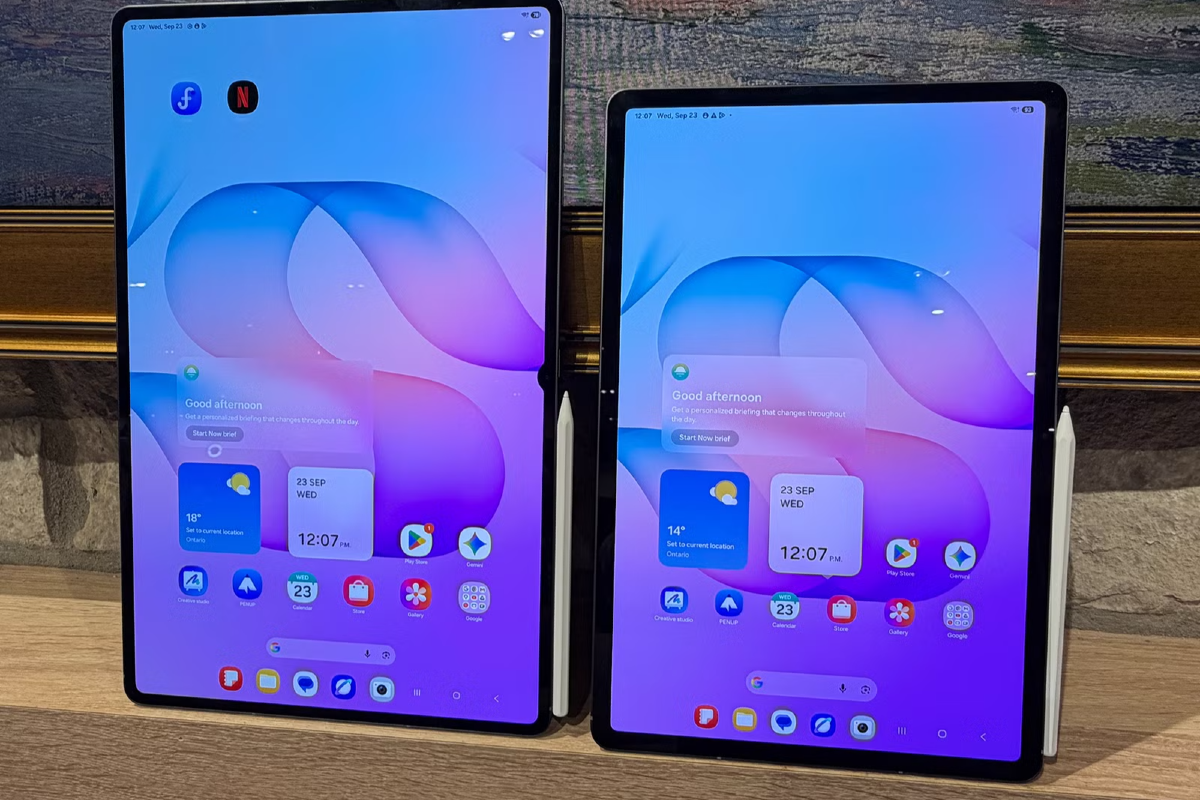
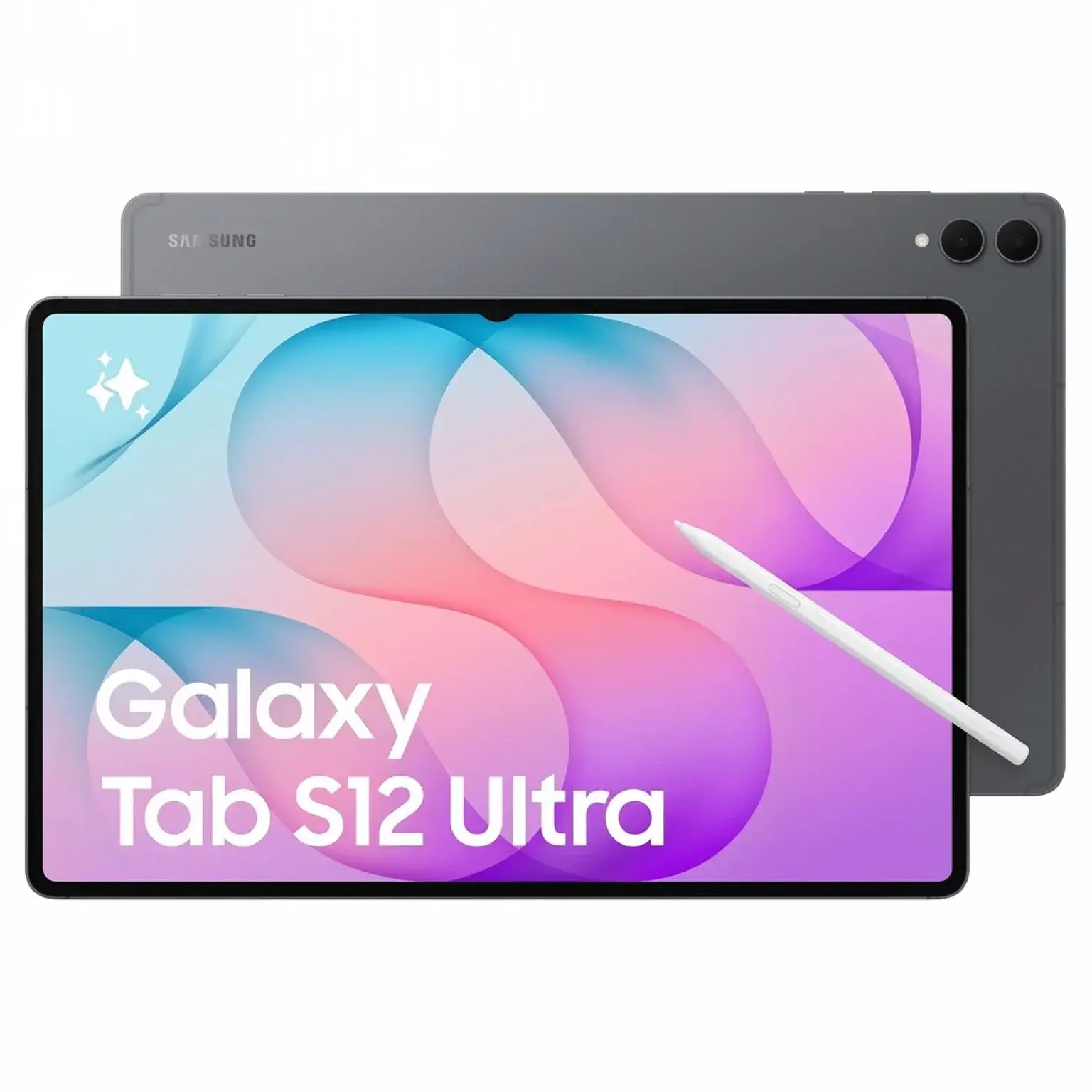
Your Galaxy Tab S11 is still doing a good job. It handles work, keeps you entertained and makes multitasking feel easy. So why consider replacing it with the Galaxy Tab S12? Samsung's answer is a set of upgrades that make a stronger case than a simple processor refresh: a faster chip, more AI capability and better creative tools.
Here is how the two compare, and where the S12 earns its place.
1. A Faster Processor With Real Headroom
Performance is where the gap is most interesting. The Tab S11 runs on MediaTek's Dimensity 9400+, while the S12 series moves to the newer Dimensity 9500. Samsung reports up to 19% better CPU performance, 17% better graphics performance and a 61% improvement in AI processing on the S12 Ultra.
Outside the spec sheet, that means more power for demanding apps, quicker task switching and heavier projects. Games benefit from stronger graphics, and creative apps and AI tools get extra processing room. Your S11 is not struggling with everyday tasks, but the S12 lets you take on demanding work without holding back.
2. New AI Tools: Creative Studio and Now Nudge
The Tab S11 already offers Galaxy AI, so the S12 is building on that foundation rather than introducing AI for the first time. The newer additions are Creative Studio and Now Nudge. Creative Studio gives you more ways to create and refine visual content, while Now Nudge offers helpful suggestions based on what is happening on your screen. For anyone managing projects, taking notes or creating content, it is a tablet that does a little more of the thinking and organising for you.
3. Adobe Photoshop for Android Tablets, With S Pen Support
This one is especially good news for people who edit photos or design graphics. The S12 supports Adobe Photoshop for Android tablets, complete with S Pen support. The S Pen already makes the S11 a useful creative companion, but having Photoshop optimised for the tablet experience gives the S12 a bigger workspace and more room to bring ideas to life without constantly reaching for a laptop.
4. An Upgraded Cooling System
Samsung has also improved how the tablet handles heat. The S12 gets an upgraded cooling system designed to manage temperatures more effectively, which matters during long sessions of gaming, video editing or heavy multitasking. Better heat management helps the tablet keep its performance consistent, so you can push it harder without worrying as much about slowdowns.
5. Latest Software and Long-Term Support
The S12 launches with Android 17 and One UI 9, so you get Samsung's newest software from day one. Samsung also promises up to seven generations of OS upgrades and seven years of security updates, which is a real advantage if you prefer to keep your devices for a long time.
What Stays the Same
Not everything changes, and that is not a bad thing. The S12 keeps the Dynamic AMOLED 2X display and smooth 120Hz refresh rate that made the S11 so enjoyable, so colours stay vibrant and scrolling stays fluid. It is not a dramatic display upgrade, but you keep the premium viewing experience.
Battery is the one area to be realistic about. The S12 Ultra has the same 11,600mAh capacity as the S11 Ultra, with 45W charging. If a bigger battery is your main reason to upgrade, this is not the generation for it. The real attraction is in performance, AI and productivity.
The Verdict
Is the Galaxy Tab S12 a worthy successor to the Tab S11? Samsung's answer is a confident yes. The faster processor, newer AI tools and expanded creative experience add up to a tablet that can do more. The S11 remains very capable, but if your tablet has become central to how you work, create and stay productive, the S12 makes a compelling case.
For the latest news, please visit the Samsung Newsroom at news.samsung.com.